Suggested Questions
Pre-filled prompts that guide users and showcase your assistant's capabilities.
Benefits: Show what assistant can do, reduce friction, guide conversations, improve engagement
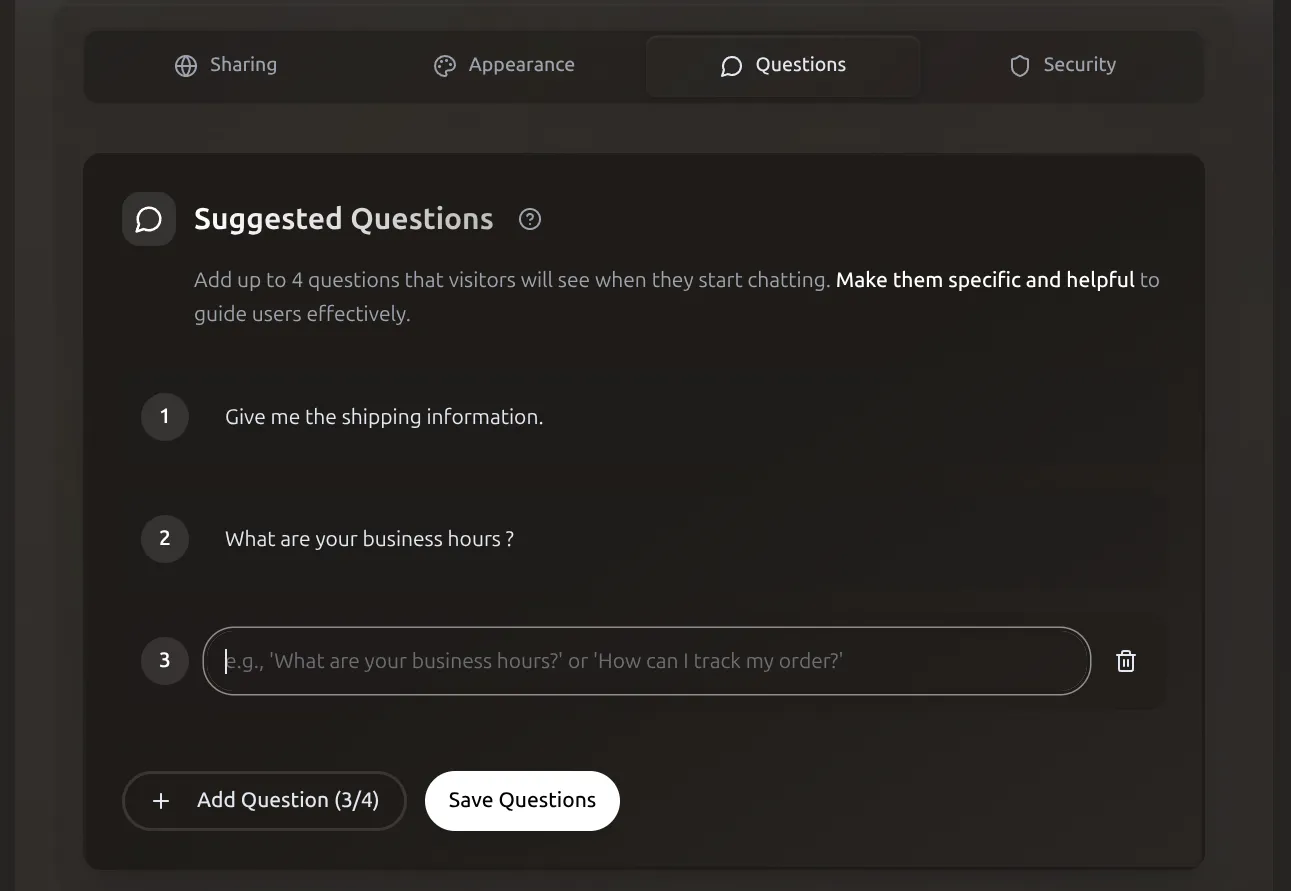 Configure up to 4 suggested questions that appear when users start chatting.
Configuration
Access: Assistants > Manage Assistant > Questions tab
Add: Click "Add Question", enter text, save (1-4 recommended) Edit: Click question, modify, save Remove: Click delete icon, confirm
Best Practices
Good questions:
- Specific to assistant's purpose
- Represent common needs
- Concise (under 50 characters)
- Lead to valuable conversations
Number: 2-4 recommended (max 6)
Variety: Mix of common inquiry, feature showcase, getting started, specific action
Examples by Use Case
- "What are today's deals?"
- "Help me find a product"
- "What's your shipping policy?"
- "Track my order"
- "How do I get started?"
- "What features are included?"
- "I need help with my account"
- "Pricing and plans"
- "Show me the menu"
- "What are your specials?"
- "Make a reservation"
- "Dietary options available?"
- "Book an appointment"
- "What services do you offer?"
- "Insurance accepted?"
- "Office hours and location"
Tips for Effectiveness
Write Conversationally
Good: "What's your return policy?" (not "Return Policy Information") Match your assistant's tone - casual or formal throughout.
Showcase Capabilities:
- Informational: "What are your business hours?"
- Discovery: "Show me your best sellers"
- Problem-solving: "I need help with my order"
- Action: "Make a reservation"
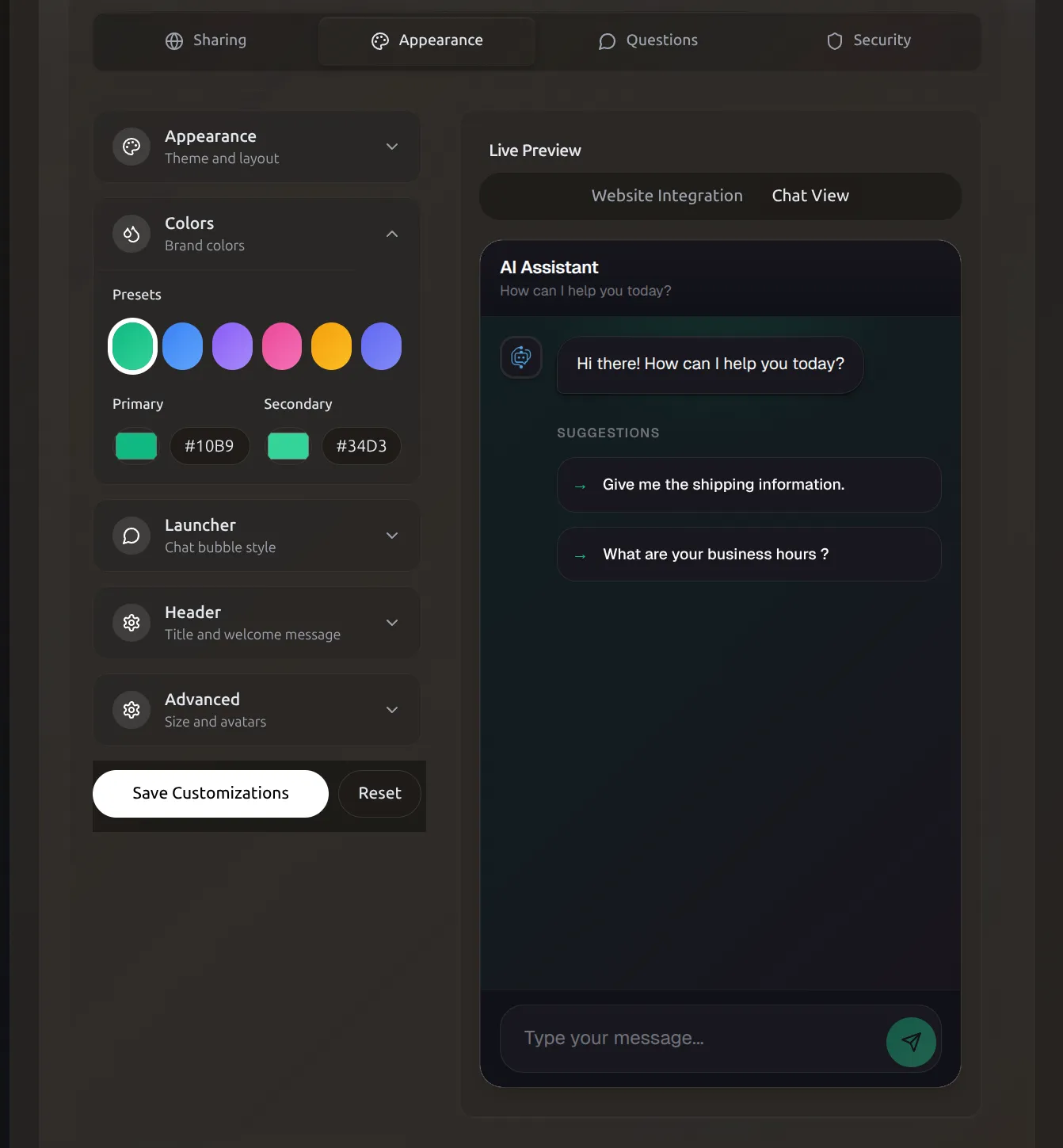 Suggested questions appear as clickable chips in the chat widget for one-click conversations.
Update Regularly (every 2-4 weeks):
- Based on common patterns
- Promote new features
- Seasonal relevance
- User feedback
Seasonal Examples
- Holiday: "What are your holiday hours?" "Gift ideas under $50"
- Tax season: "Download my tax summary"
- Back to school: "Student discounts?" "Laptop recommendations"
Length: 5-10 words ideal
- Too short: "Help me" (vague)
- Too long: "Can you help me understand your return policy for sale items?" (overwhelming)
- Just right: "What's your return policy?"
Track Effectiveness:
- Review in Conversations section
- Monitor click-through rates
- Replace low performers after 100+ impressions
Troubleshooting
Not appearing: Verify saved, at least one configured, refresh page, clear cache Appearing incorrectly: Check for extra spaces, length, special characters Low engagement: Make more specific, test wording, ensure visible, match user needs